 AnyFrame
The moments you love. Back in your life.
Your favorite photos deserve
more than your camera roll.
Turn a screen you already own into a digital photo frame. Keep the people, places, and little moments you love around you every day.
No new photo frame to buy. No subscription.
Pay once. Use it on all your devices.
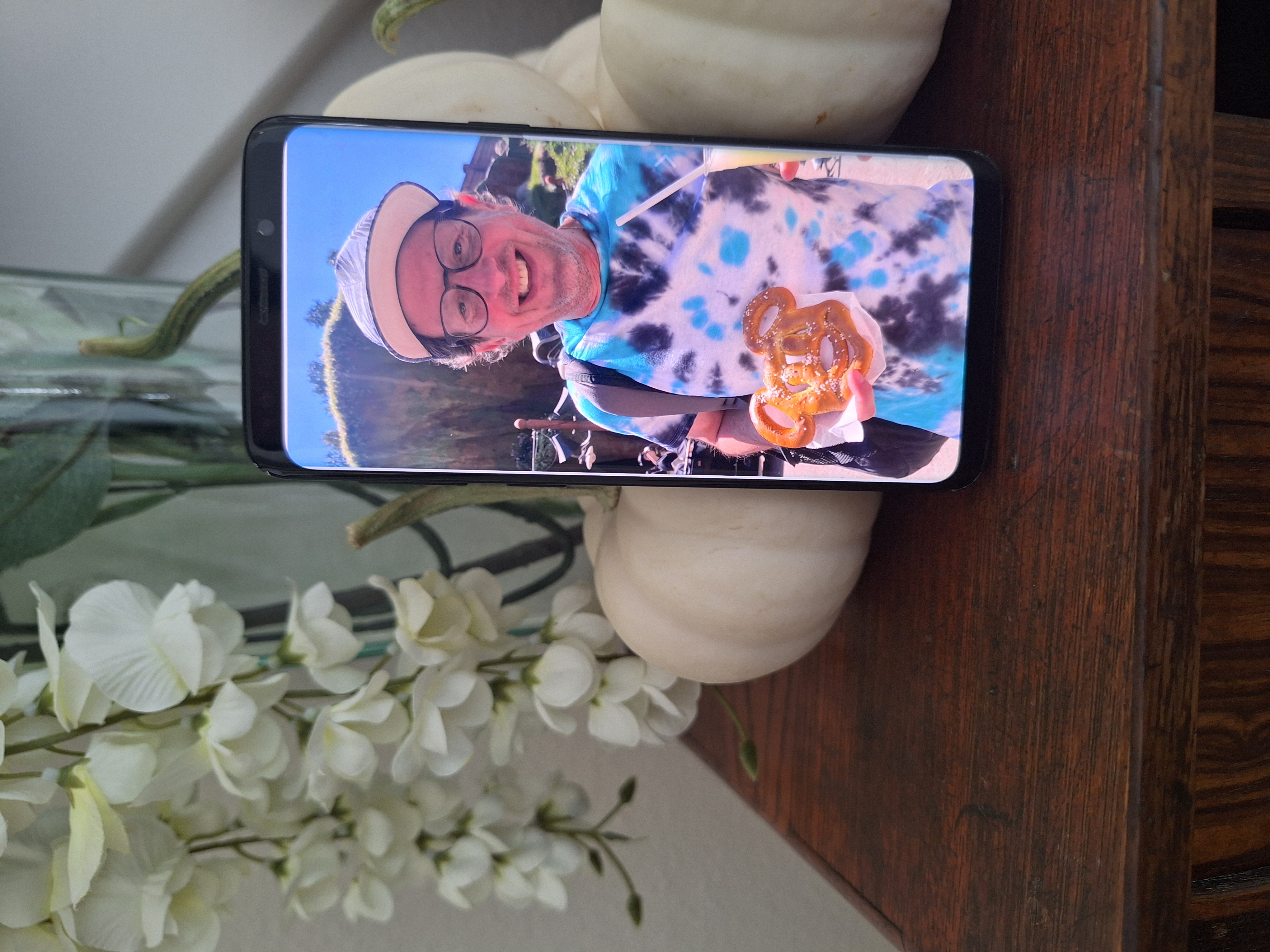
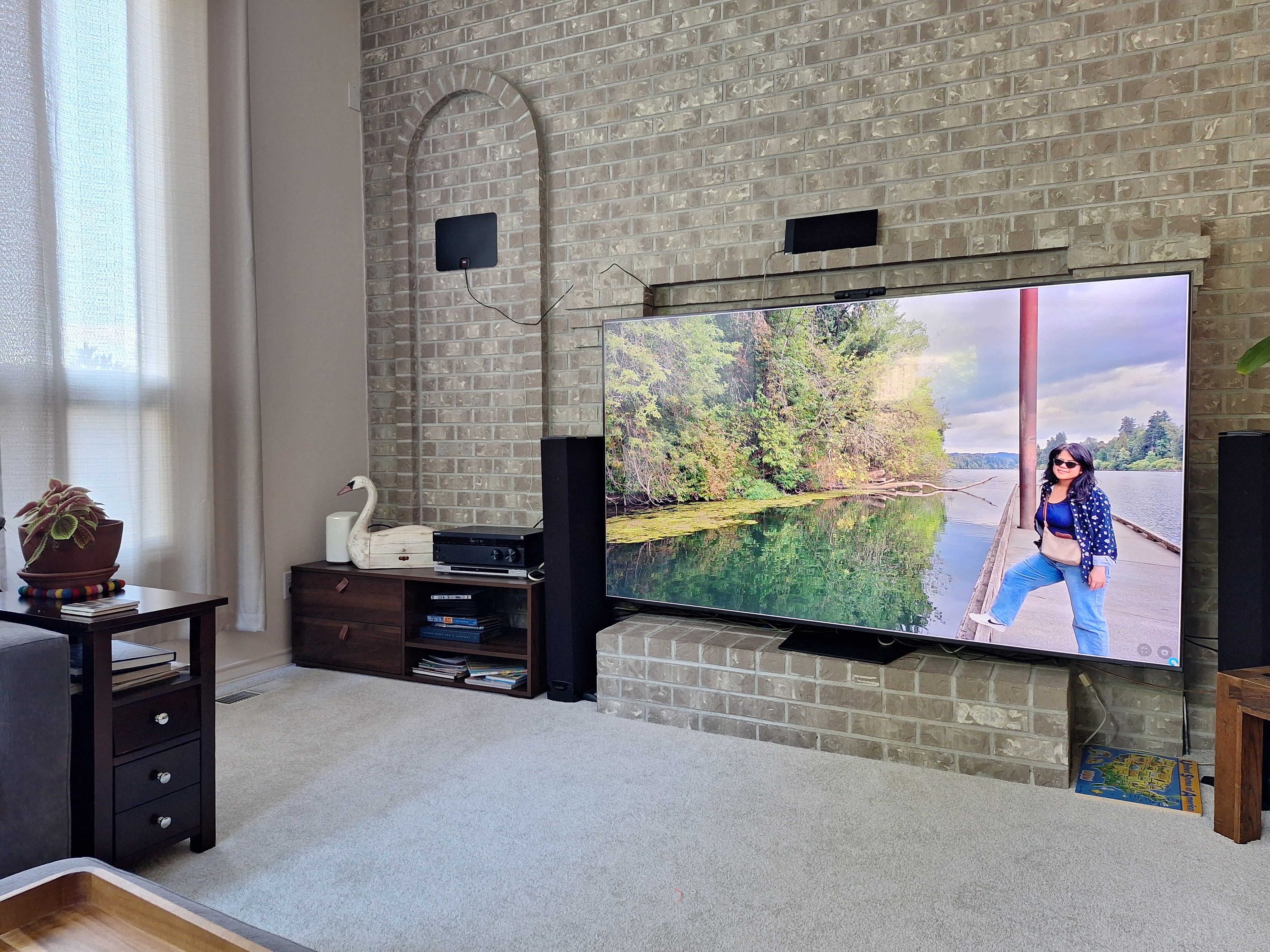
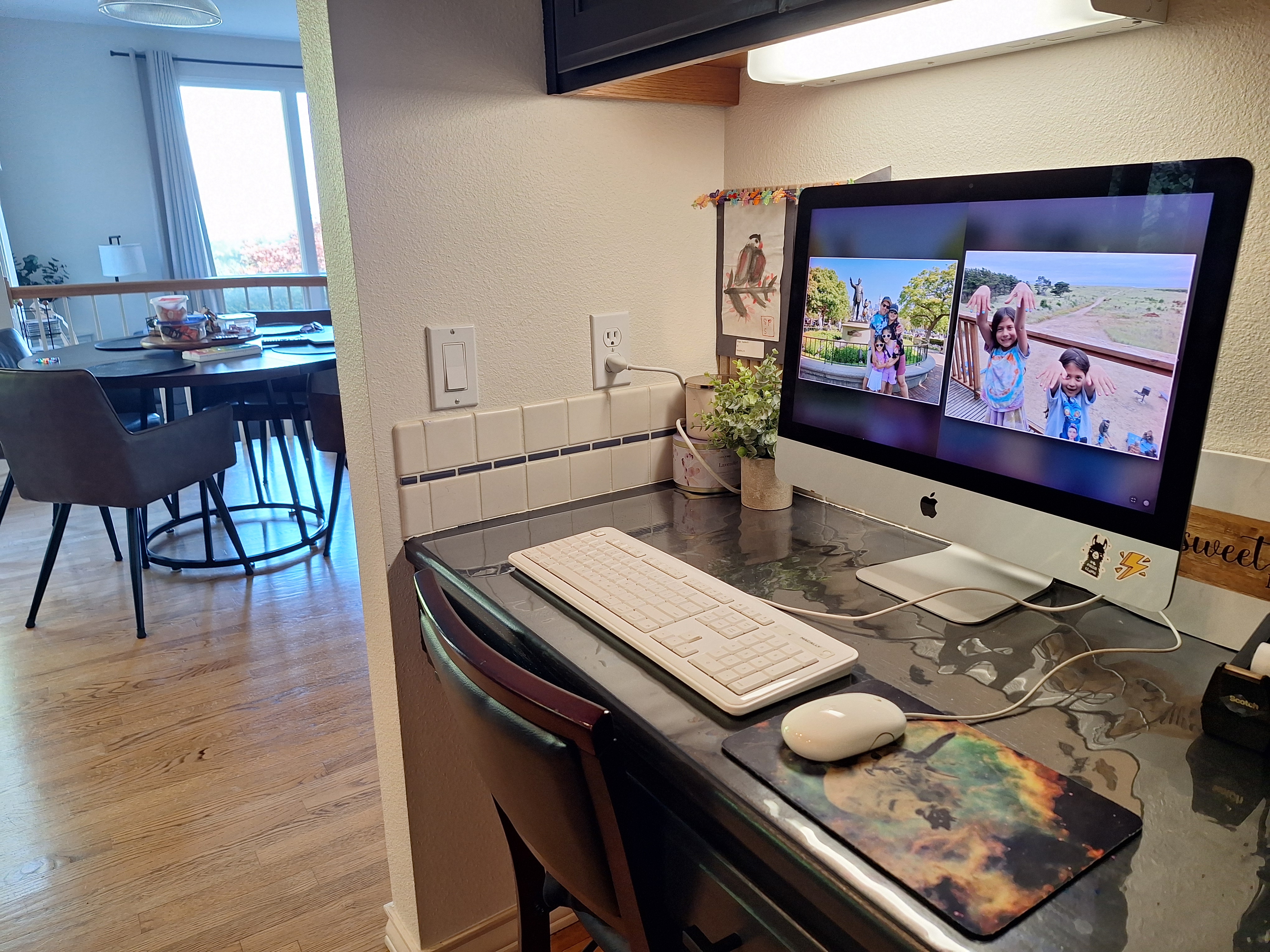
Use the screens you already own.
Phones · Tablets · Computers · Compatible TVs
One purchase. Use it on all your devices.
You upload and manage photos remotely. Friends and family can view a shared frame; only you, the owner, can upload.
Keep and display photos in the browser on one device, without cloud syncing.
Frequently Asked Questions
Why use AnyFrame instead of Google Photos, Apple Photos, or built-in photo features?
If your existing photo service already does everything you want, then great! AnyFrame is for people who want more control over how their photos are displayed.
Can I use AnyFrame on more than one device?
Yes. One purchase lets you use AnyFrame on all your devices.
Can friends or family add photos to my frame?
Not currently. Only the frame owner can upload and manage photos.
How many photos can I add?
There isn’t a set number of photos you need to stay under. Storage depends on device capacity.
What devices work with AnyFrame?
AnyFrame works in a reasonably modern web browser across tablets, phones, laptops, and TVs.
Does AnyFrame require the internet?
Connected frames use the internet for updates, while Offline Local Vault works completely offline.
Do I need to install an app?
No. AnyFrame runs right in your web browser.
Can I upload animated GIFs?
Yes, animated GIFs stay animated.
Can I use an old device?
Yes! Older hardware makes a wonderful digital photo frame.
Is there a subscription?
No. AnyFrame is $14.99 one time, with no subscription.
No account or setup required.